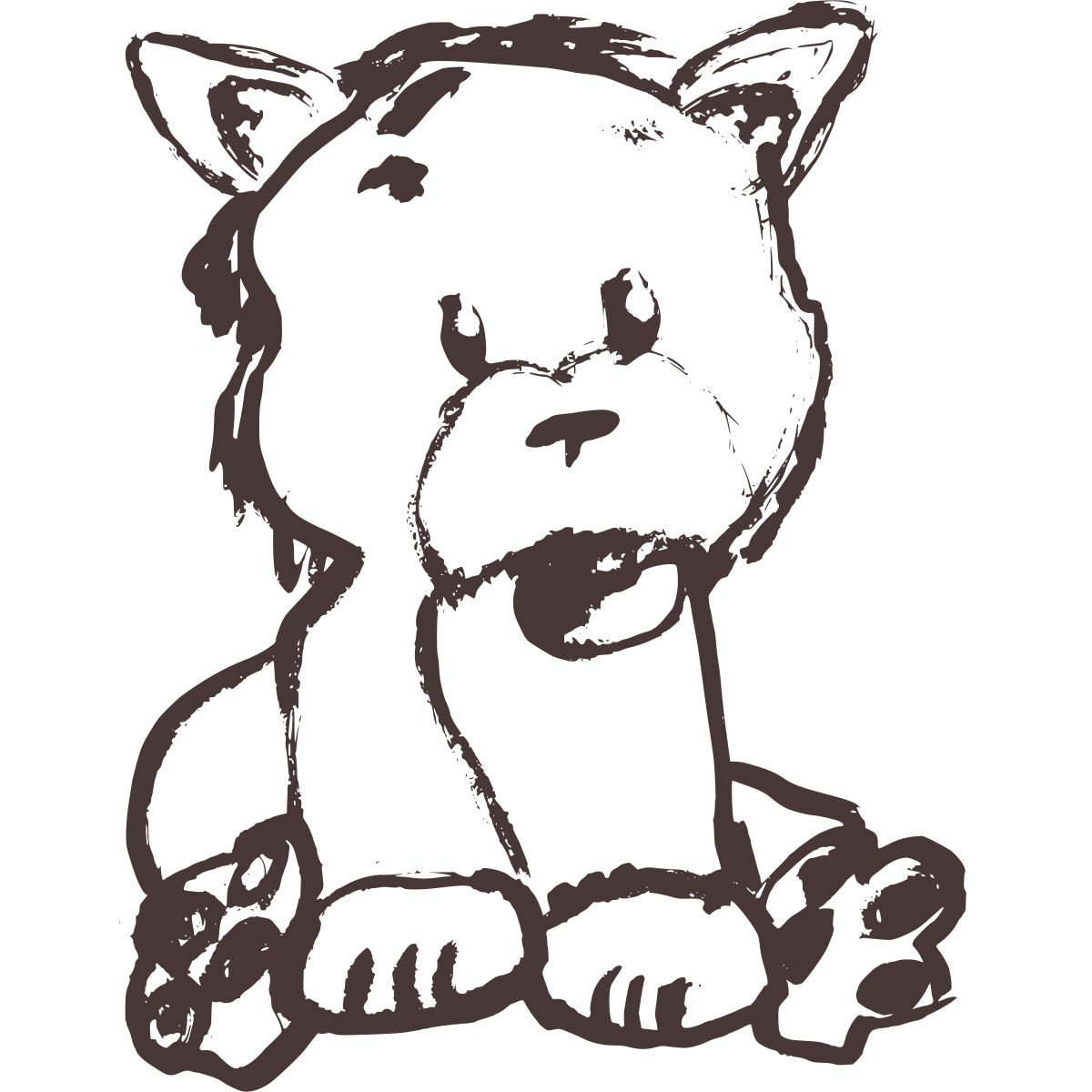
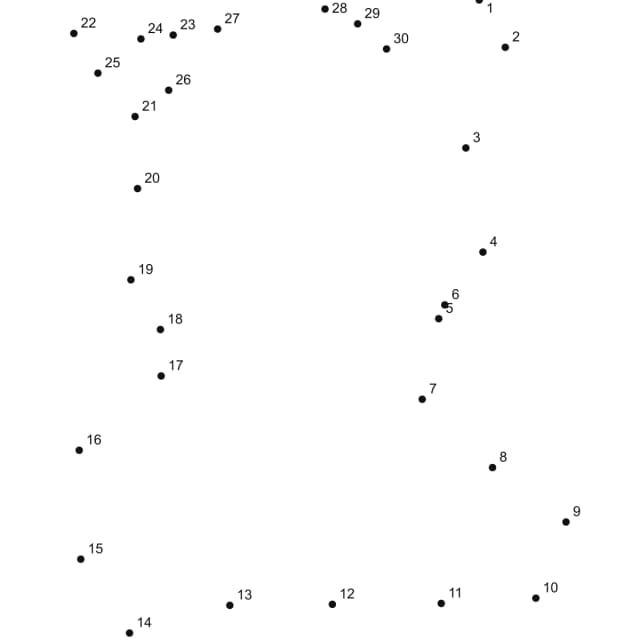
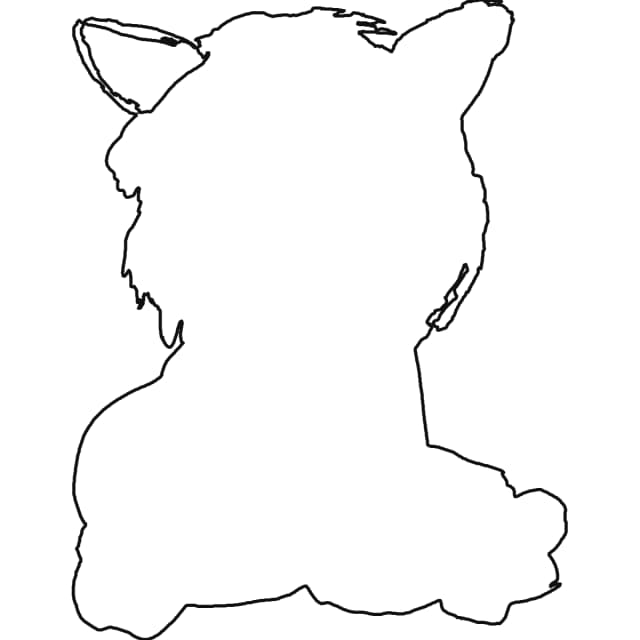
Pet Photo Example
Use a pet image when the outline around the ears, back, and tail is clear enough to hold the dot path.
Step-by-step tutorial
You can turn a photo, drawing, or outline into a printable dot-to-dot worksheet by starting with a clear subject, matching the dot count to the learner, and cleaning up the preview before export. The strongest results come from high-contrast images with simple edges and very little background clutter.
Use a pet image when the outline around the ears, back, and tail is clear enough to hold the dot path.
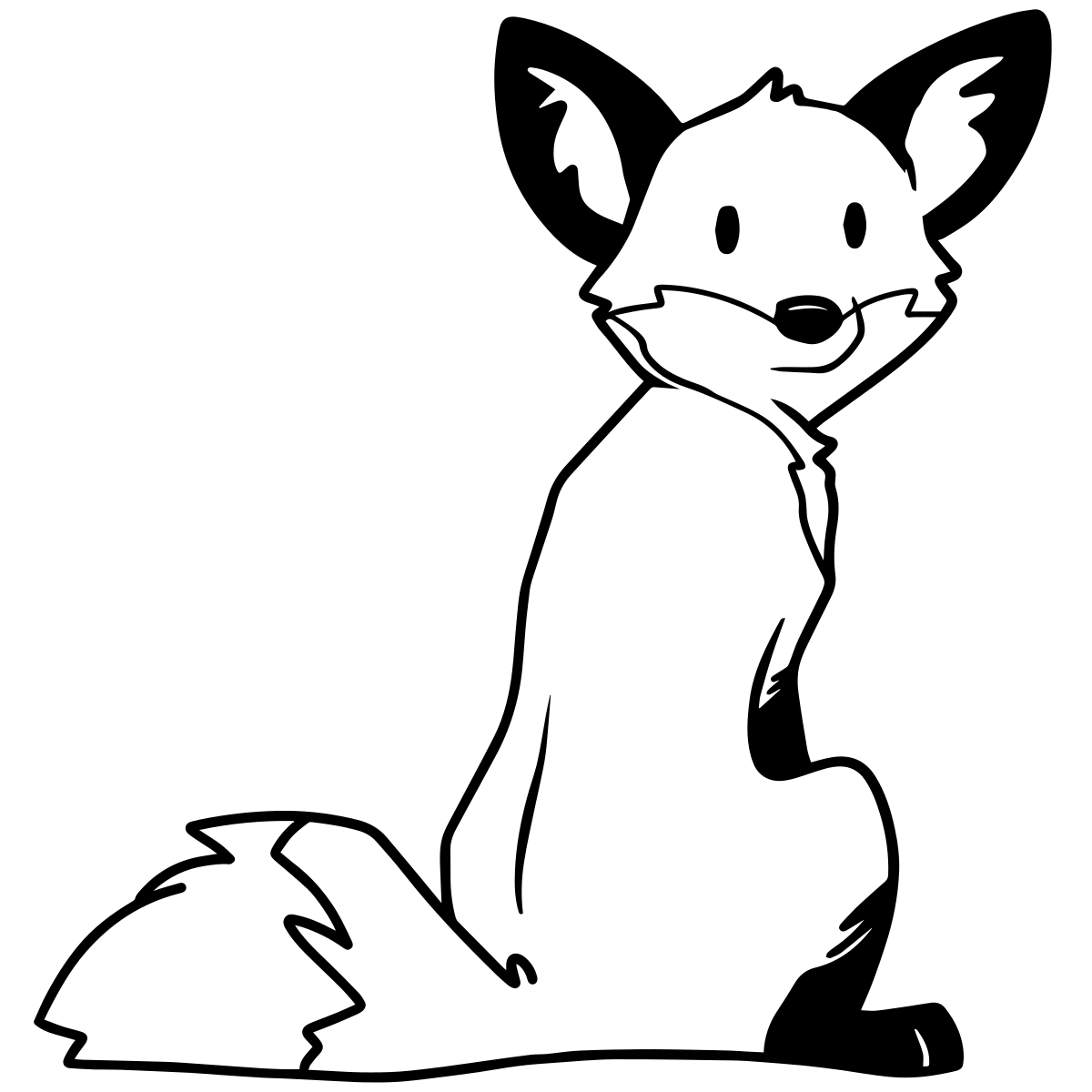
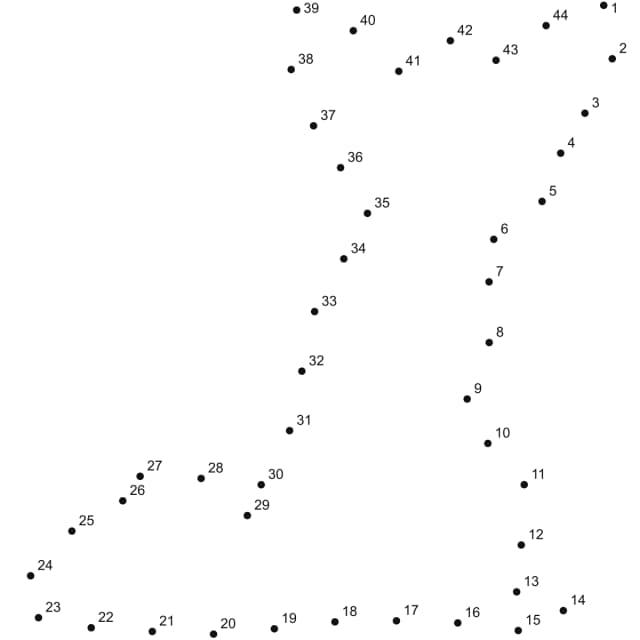
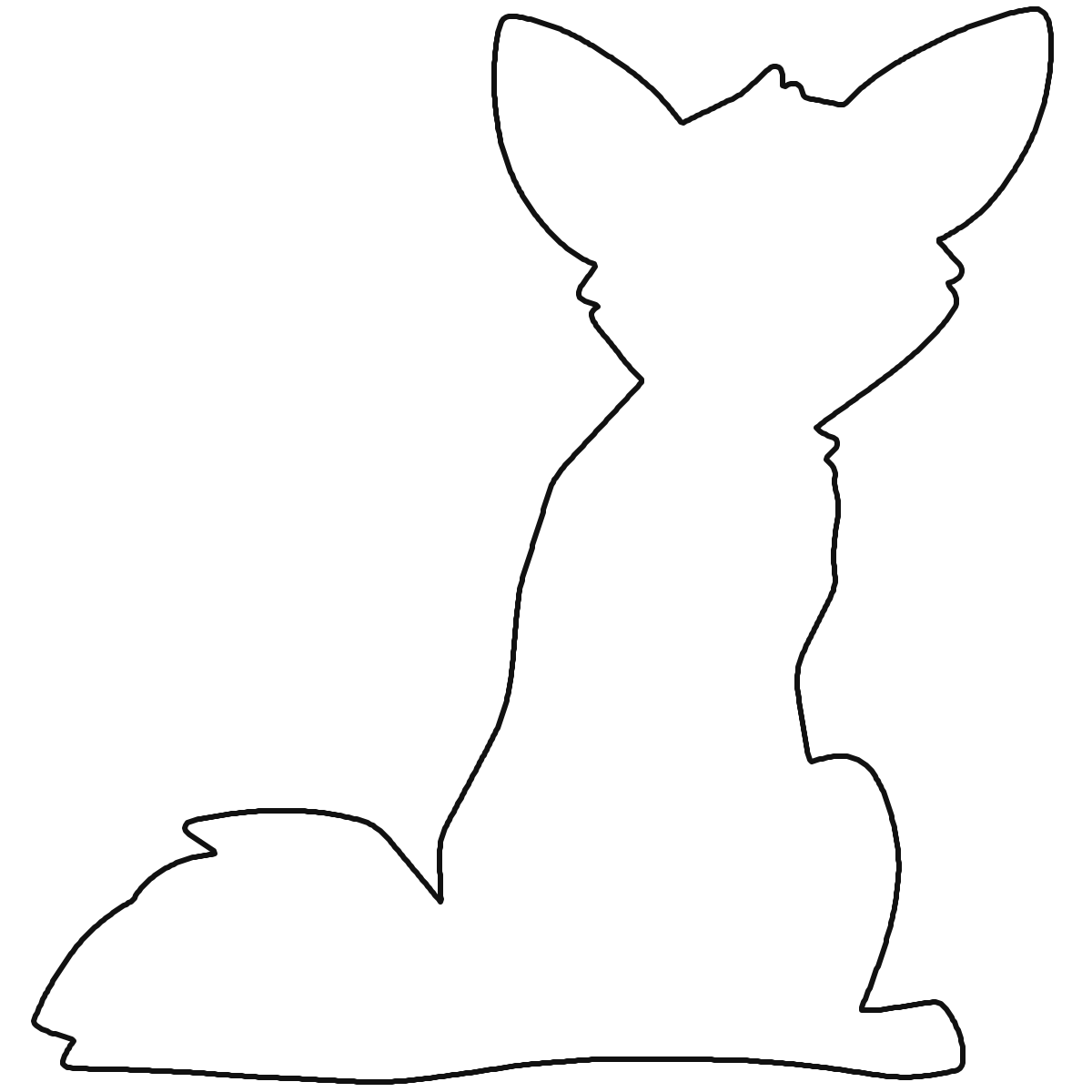
Simple line art gives the generator the cleanest path and usually needs fewer manual adjustments.
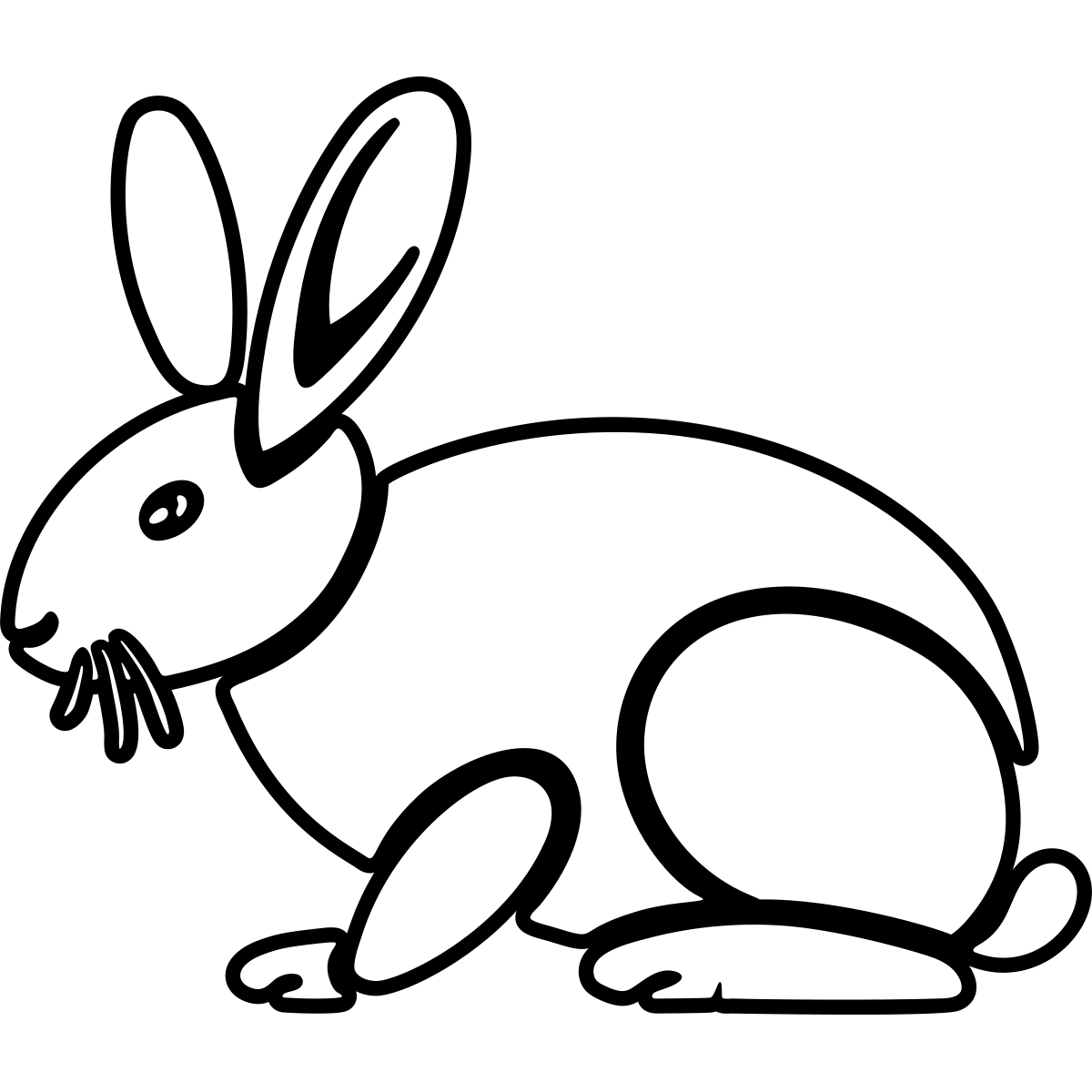
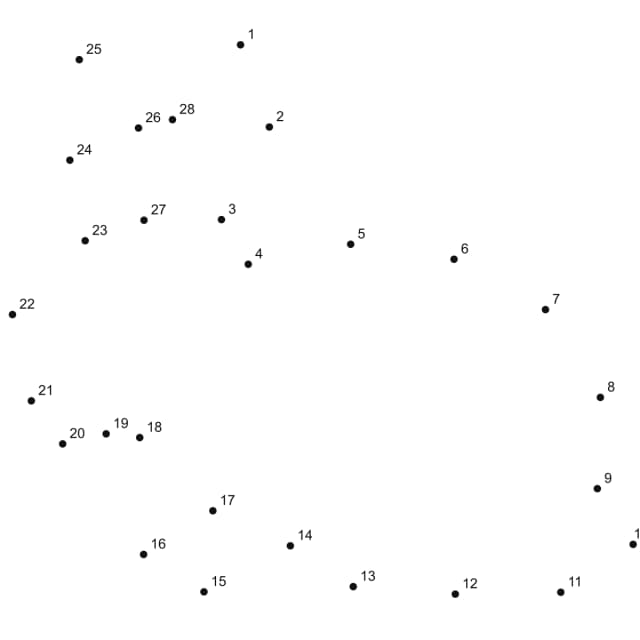
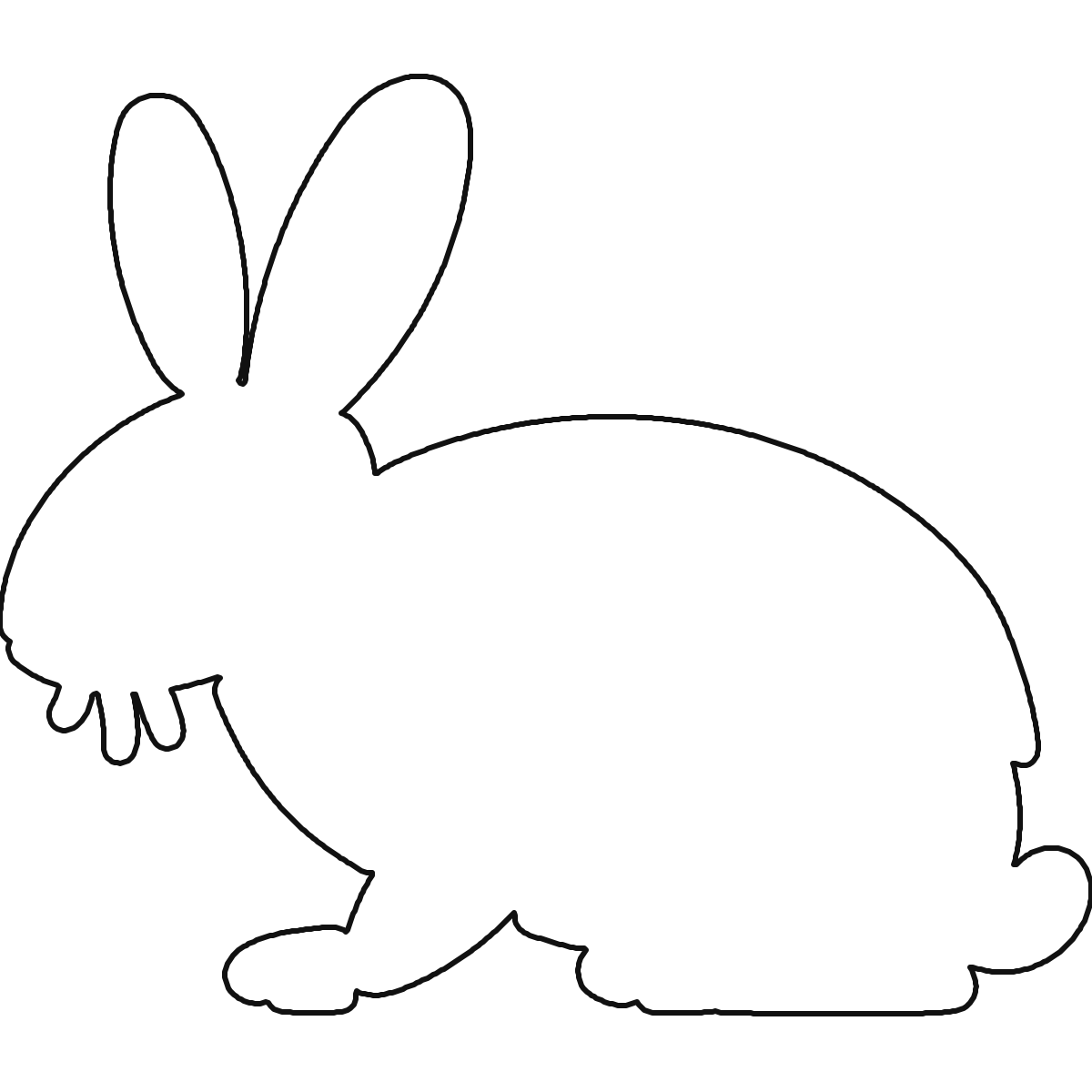
Beginner-friendly worksheet shapes work well for printable classroom and home practice.
The fastest workflow is simple: pick a clean source image, upload it to the generator, choose a dot count that fits the learner, and check the preview before you print. Most of the result quality comes from the source image rather than from endless tweaking after upload. If the subject outline is clear, the printable puzzle usually comes together quickly.
High-contrast line art, logos, pets photographed against plain backgrounds, and simple classroom illustrations tend to produce the cleanest dot paths. Busy group photos, textured landscapes, and low-light mobile pictures usually create too many edges and produce confusing dots. If you need to use a photo, crop it tightly and simplify it first.
Dot count controls both difficulty and how much of the image survives the conversion. If the picture has many curves or small details, increase the dot count gradually until the shape reads clearly.
| Goal | Age | Dot Count | Notes |
|---|---|---|---|
| Early counting practice | Ages 3–5 | 15 – 30 | Simple shapes, fast completion |
| Most classroom worksheets | Ages 6–10 | 30 – 60 | Balanced detail and difficulty |
| Harder printable puzzle | Ages 10+ / adults | 60+ | More detail, longer completion time |
Start by cropping the subject away from distracting background elements. Then convert the image to grayscale or boost contrast if the outline is weak. Photos with clear silhouettes usually convert best because the dot path can follow the outside edges cleanly. When the preview looks balanced, export the printable file and check that the number labels stay readable before printing.
Messy dot placement usually comes from low contrast, a background with too many edges, or a subject that is too small inside the frame. Crop the image tighter, raise the contrast, and remove background noise before you upload it again.
Use roughly 15 to 30 dots for early learners, 30 to 60 dots for most classroom worksheets, and 60 or more when you want a harder printable challenge. The right dot count depends on both the learner and the amount of detail in the image.
PNG is usually the easiest format for clean dot placement because it preserves sharp edges and transparent backgrounds well. JPG still works, but the generator performs best when the subject outline stays crisp and the background stays quiet.
Yes. Once the preview looks balanced, export the puzzle and print it on standard letter paper. Check the print preview before sending it to the printer so the outline stays centered and the number labels stay readable.
Pet images are best when the subject fills the frame and the background stays quiet. Cartoon outlines work well because the edges are already simplified. Worksheet-style images with one bold shape are the easiest option when you need a fast printable page for younger learners.
Use the generator when you need a dot-to-dot that matches a specific photo, classroom topic, student drawing, or pet image. The tool is better than a generic worksheet library when the shape matters and you want control over the dot count.
Open the free generator