The Best Free Connect the Dots Generator & Maker
Instantly create custom printable worksheets for kids & adults. No watermarks.
No image? Click to Try These:

Free Perler Bead Patterns & Pattern Maker
Convert any photo into a professional Perler Bead pattern instantly.
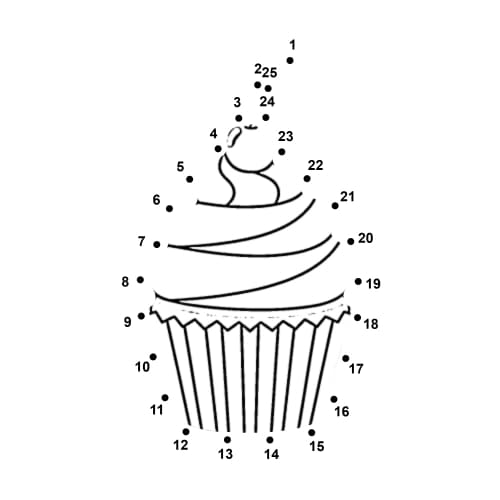

Make Your Own Printable Dot to Dot Puzzles in 3 Steps
Turn any photo or drawing into a professional dot-to-dot worksheet in 3 simple steps. Perfect for parents, teachers, and puzzle enthusiasts.
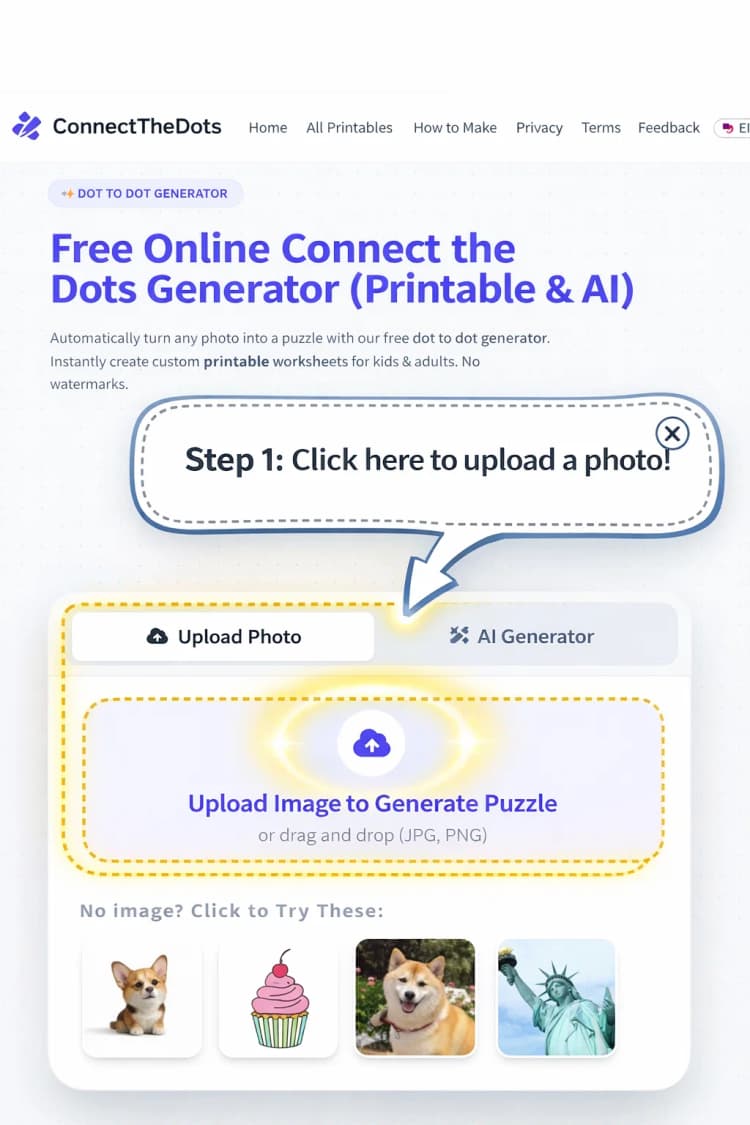
Upload Your Image
Choose a clear photo or drawing. Our AI works best with high-contrast images or simple line art.
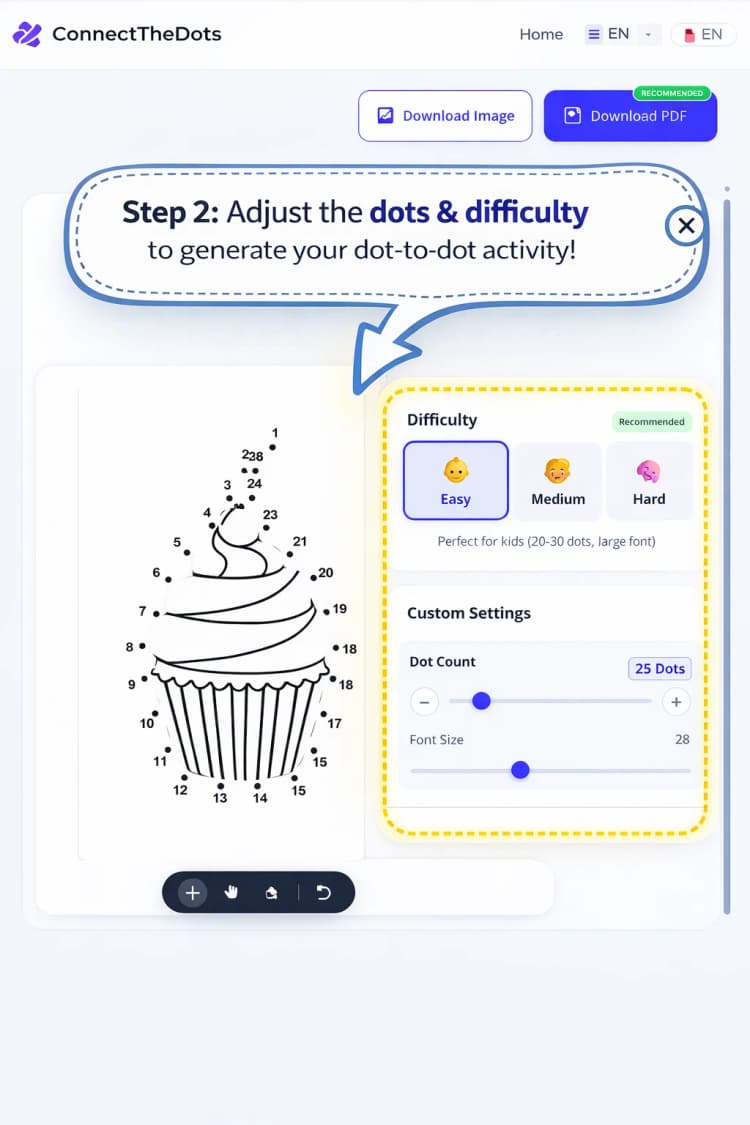
Adjust Difficulty
Select Easy, Medium, or Hard. You can also manually set the dot count to match the skill level.
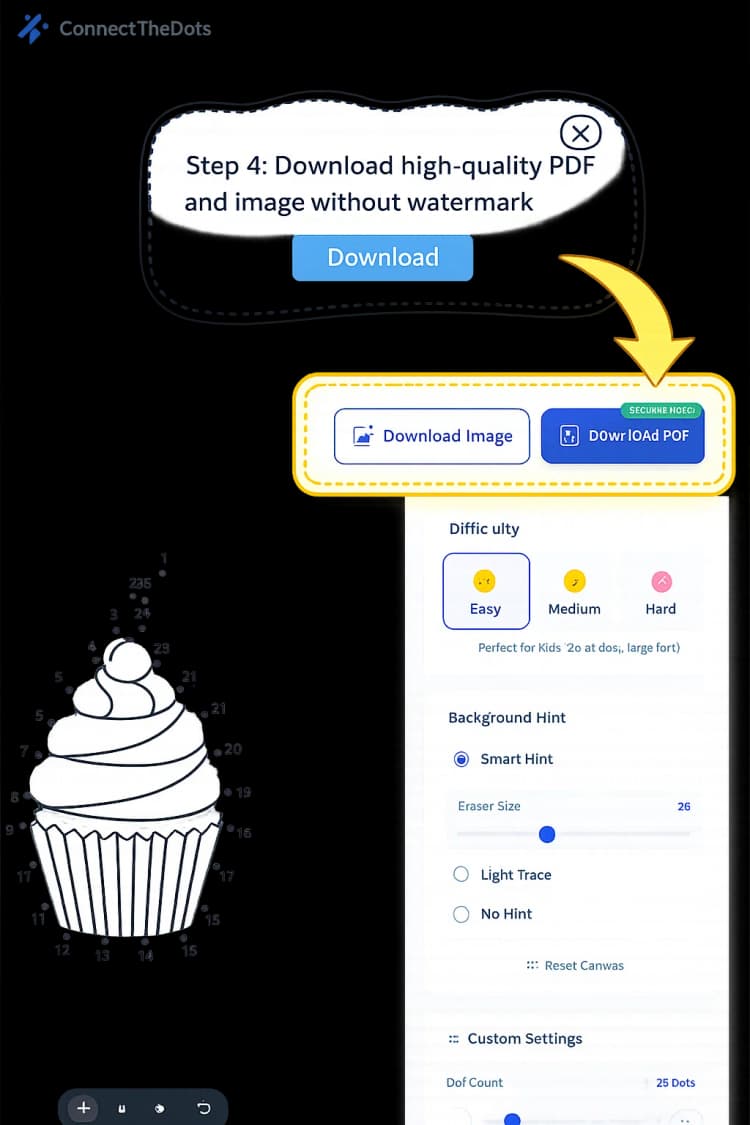
Download & Print Your Activity
Export your puzzle as a high-resolution PDF or PNG. Ready for instant printing at home or school!
Quick Print: Free PDF Puzzles
Grab a high-res PDF worksheet right now. Click any image to download instantly, or hit the Shuffle button to discover new random picks!
Turn Your Child's Favorite Photo into an AI Dot-to-Dot Puzzle in Seconds.
Stop searching for static templates. Our ai dot to dot generator understands your imagination, turning text prompts into high-quality, printable puzzles in seconds.
Prompt to Puzzle
Describe anything—from 'a robotic dragon' to 'a Victorian house'—and watch our dot to dot generator ai build it.
Perfect Line Clarity
Unlike standard filters, our AI generates clean vector-like outlines specifically optimized for dot-to-dot mapping.
Free Perler Bead Patterns & Simple Pattern Maker
Discover thousands of free perler bead patterns or convert any photo into printable perler bead patterns instantly. Perfect for beginners looking for simple perler bead patterns.
Instant Pattern Conversion
Upload any image and get professional printable perler bead patterns with accurate color matching in seconds.
Beginner-Friendly Designs
Access our library of simple perler bead patterns perfect for kids and beginners. All patterns are free to download.
Print-Ready PDFs
Download high-quality printable perler bead patterns with color guides and bead counts for easy crafting.
Explore Popular Dot to Dot Categories
Top-rated worksheets created by our community.
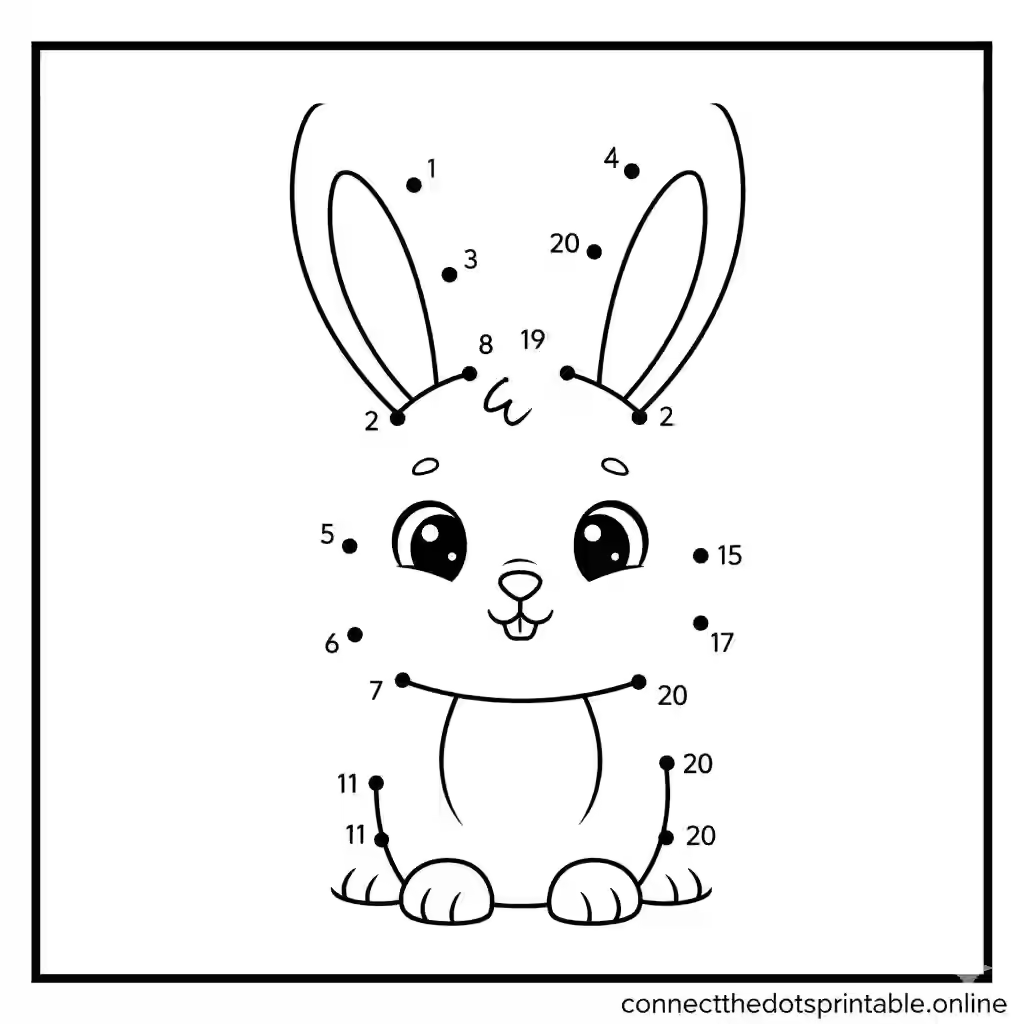
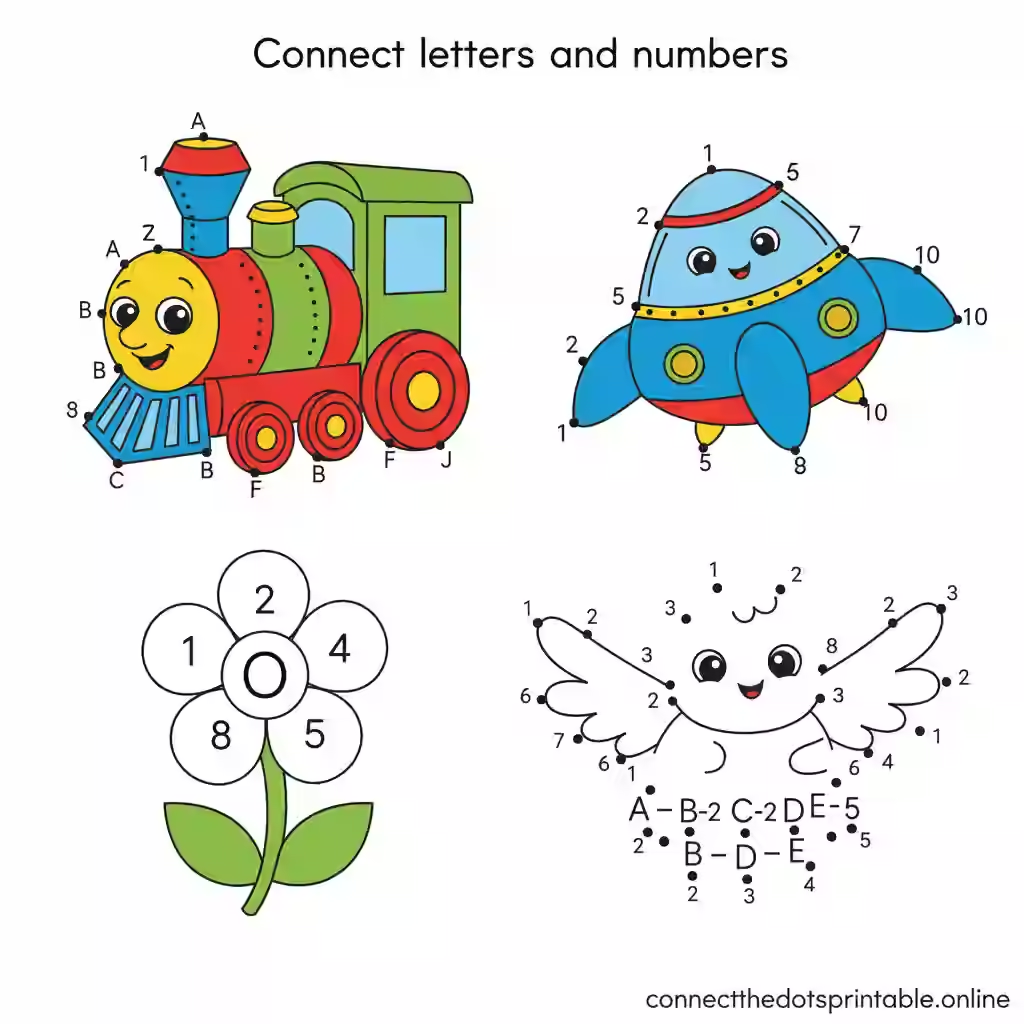
Animal Connect the Dots (Dogs, Cats, Bunnies)
Simple dot to dot printable for young children with cute animal designs.
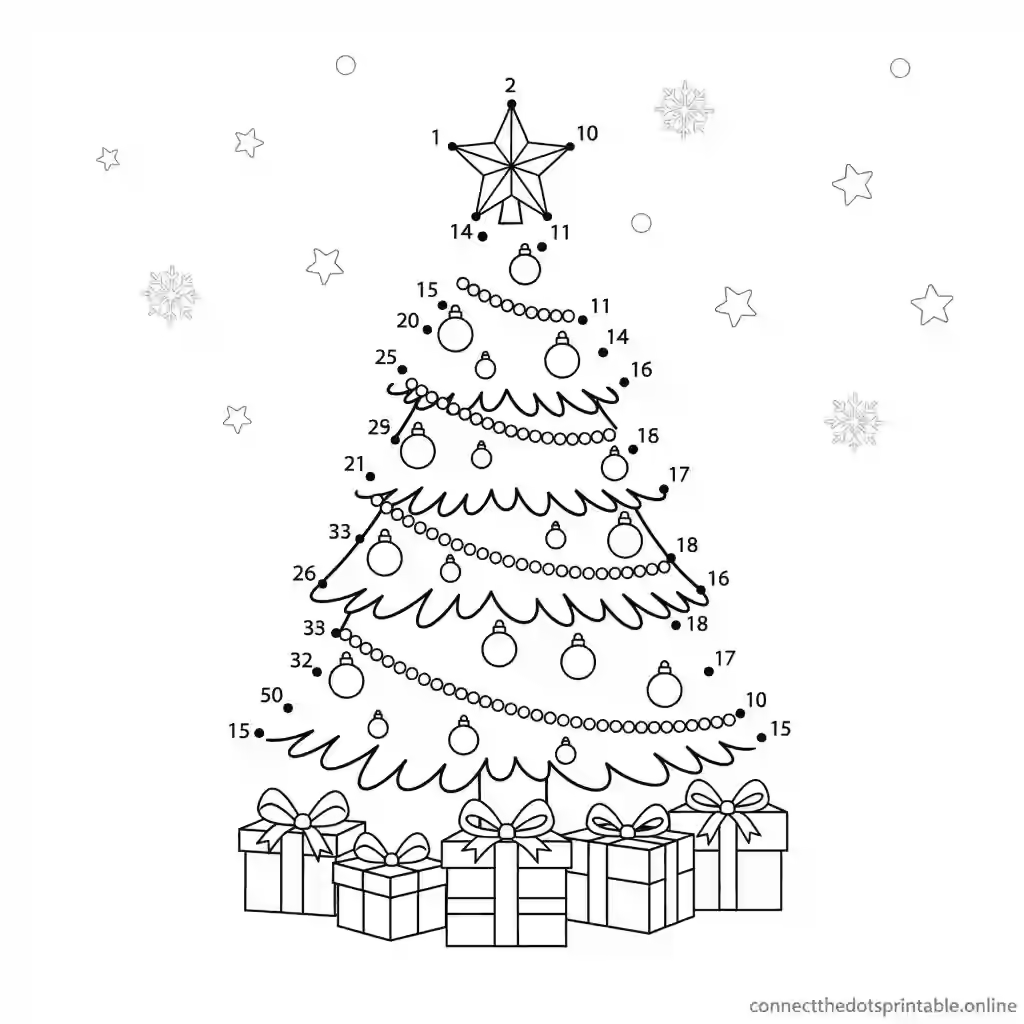
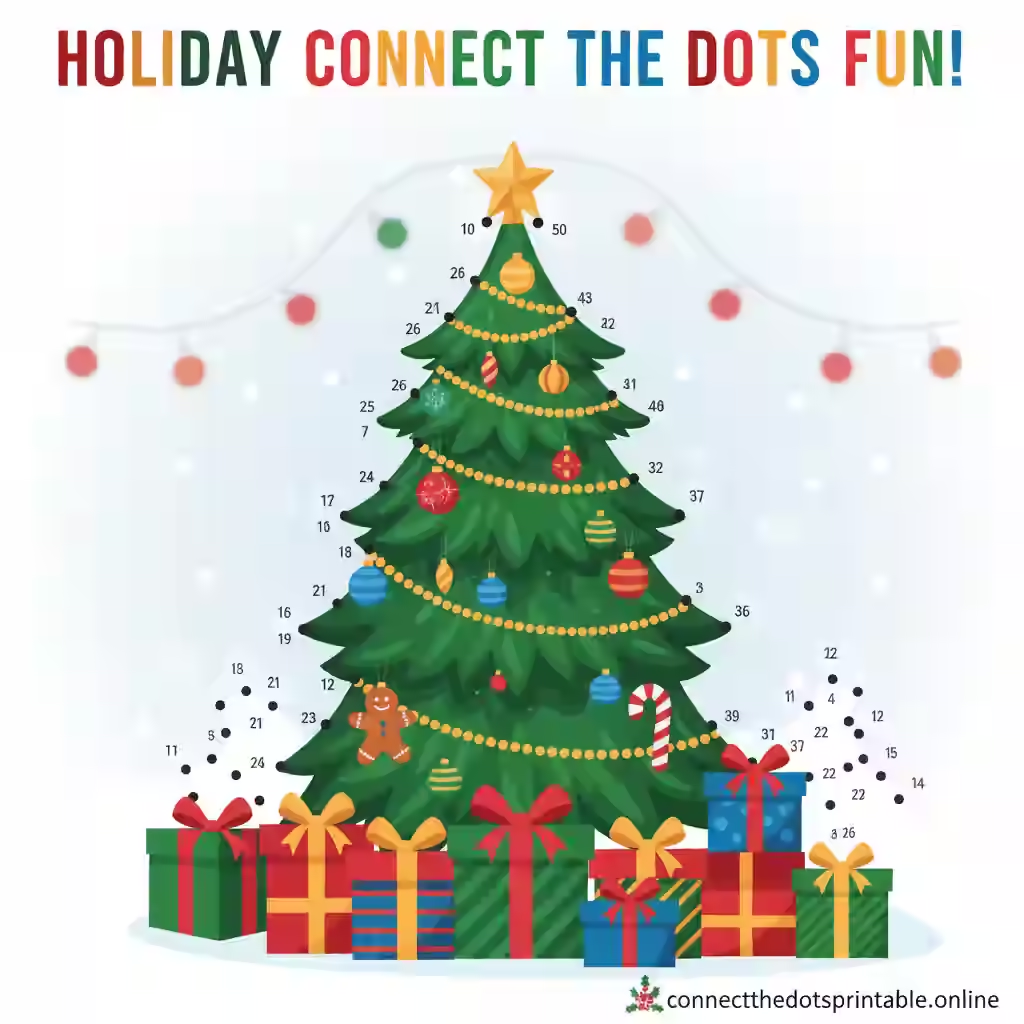
Holiday & Christmas Dot to Dot Printables
Festive Christmas themed connect the dots printable for all ages.
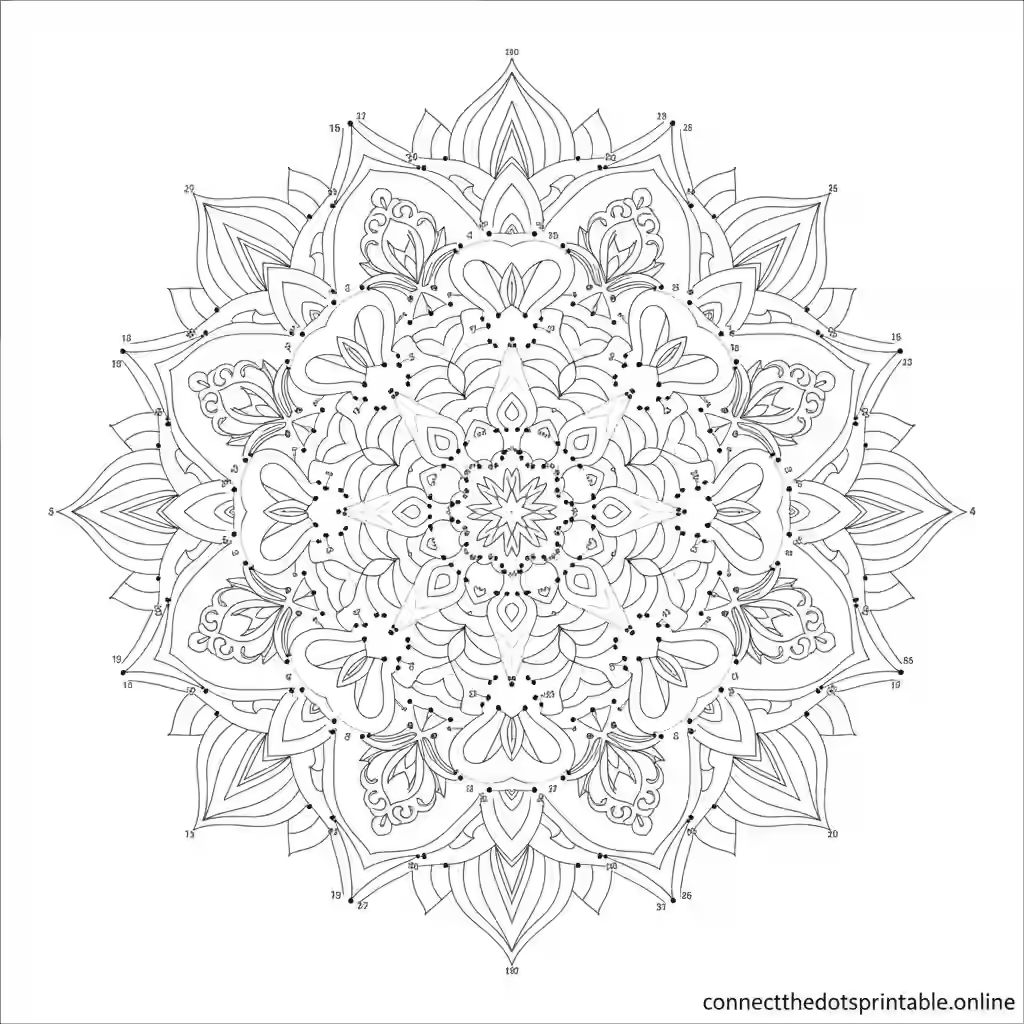
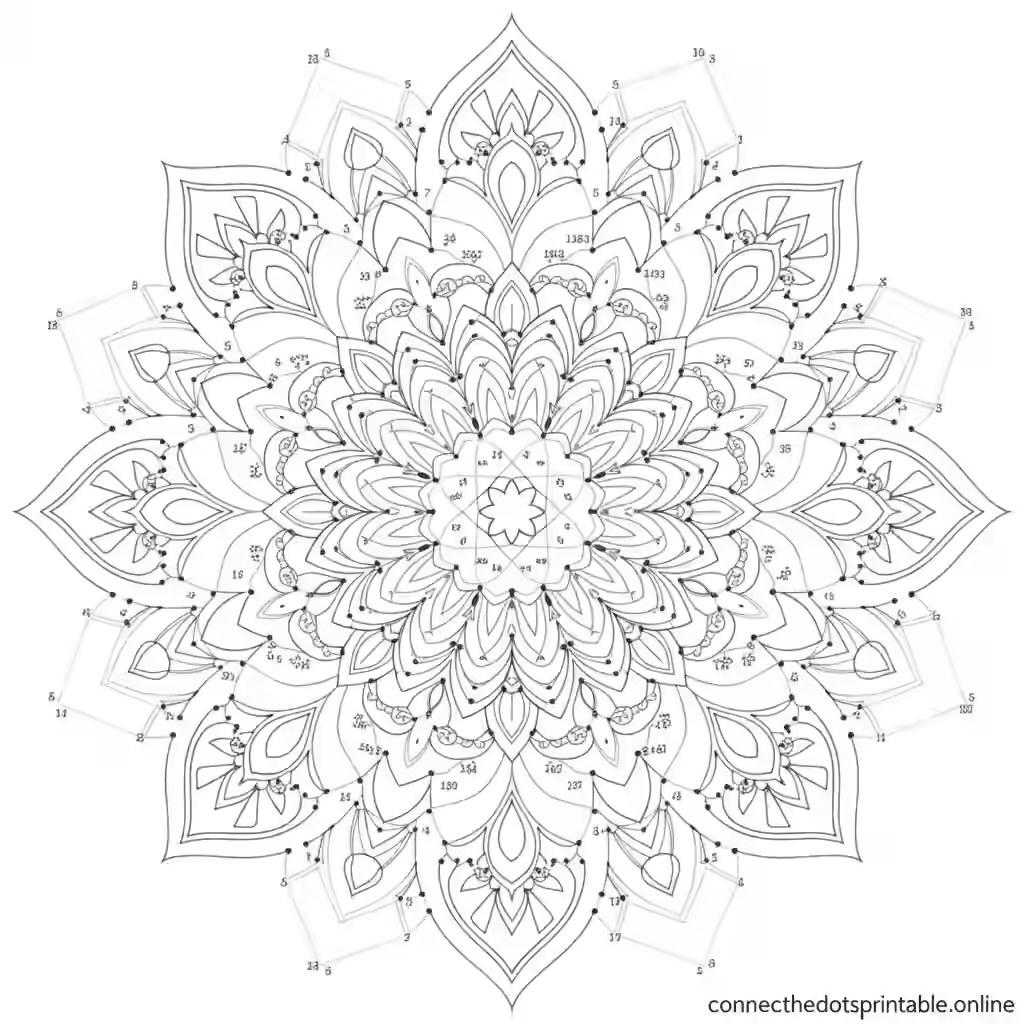
Mandala & Geometric Dot to Dot
Complex connect the dots printable for adults with mandala design.
Custom Printable Dot to Dot Worksheets for All Ages
Explore our most downloaded collections.
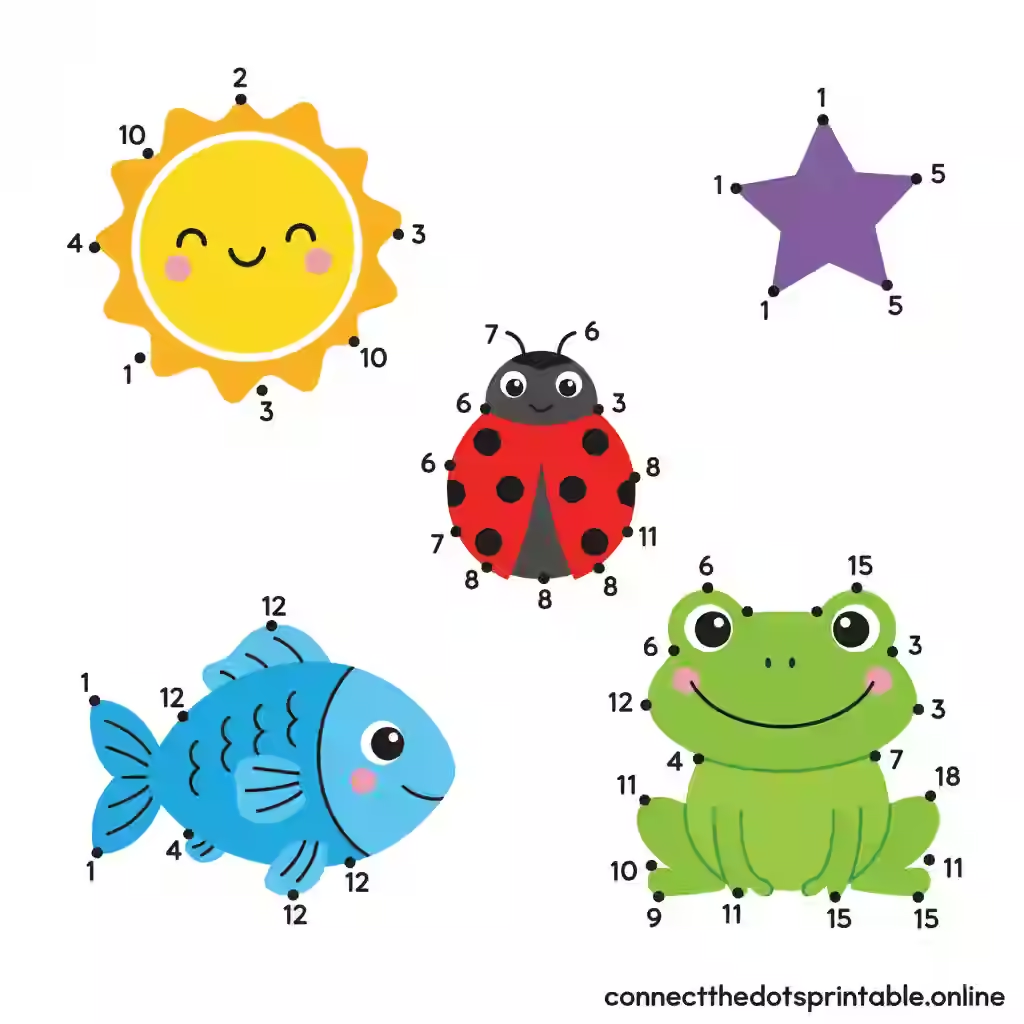
Professional Features of Our AI Dot to Dot Maker
We offer the best collection of printable dot to dot worksheets for all ages and skill levels.
Instant Download
Get your connect the dots printables immediately. Available in high-res PDF and PNG formats.
No Watermarks
All our dot to dot printables are completely free of watermarks for clean, professional printing.
Custom Designs
Create your own custom connect the dots printables with our easy-to-use generator tool.
Watch How the Connect the Dots Generator Works
From upload to download in under 30 seconds. Watch how seamless the experience is on any device.
Printing Guide for Connect the Dots Worksheets
Best Printing Settings
- Use letter size paper (8.5" x 11") for standard printing
- Set print quality to "high" or "best" for clear dots
- Select "actual size" (not scaled) in print options
- Conserve ink: Choose black and white printing.
- Choose portrait orientation for most designs
Download & Print Tips
- Download the PDF version for the best printing results
- For younger children, print at 125% scale for larger dots
- Use thicker paper (cardstock) for longer-lasting activities
- Save ink by deselecting "background graphics" in print settings
Frequently Asked Questions
Yes, all our connect the dots printables are completely free to download and print. We don't require any payment or subscription to access our basic printables. Some premium designs may be available for a small fee, but they're clearly marked.
All our connect the dots printables are available in PDF format, which is ideal for printing. Many designs also come in high-resolution PNG image format. The PDF format is recommended for the best printing results as it preserves the layout and quality regardless of your device or printer.
Our connect the dots printables are for personal and educational use only. They cannot be used for commercial purposes, including selling the printables or using them in products for sale. If you're a teacher, you may use them in your classroom and distribute them to your students.
You can create custom connect the dots printables using our generator tool. Simply upload an image, choose the number of dots and difficulty level, and our tool will convert your image into a connect the dots worksheet. You can then download it in PDF or image format for printing.
Yes, we have a large collection of connect the dots printables designed specifically for adults. These include more complex designs with hundreds of dots, intricate patterns, and detailed images that provide a relaxing, meditative activity. You can find them in our "Adult Connect the Dots" category.
Connect the Dots Maker Help & Support
Need help with the generator or have a feature request? We'd love to hear from you.
